
Topology tab
Auto-Topology Network View
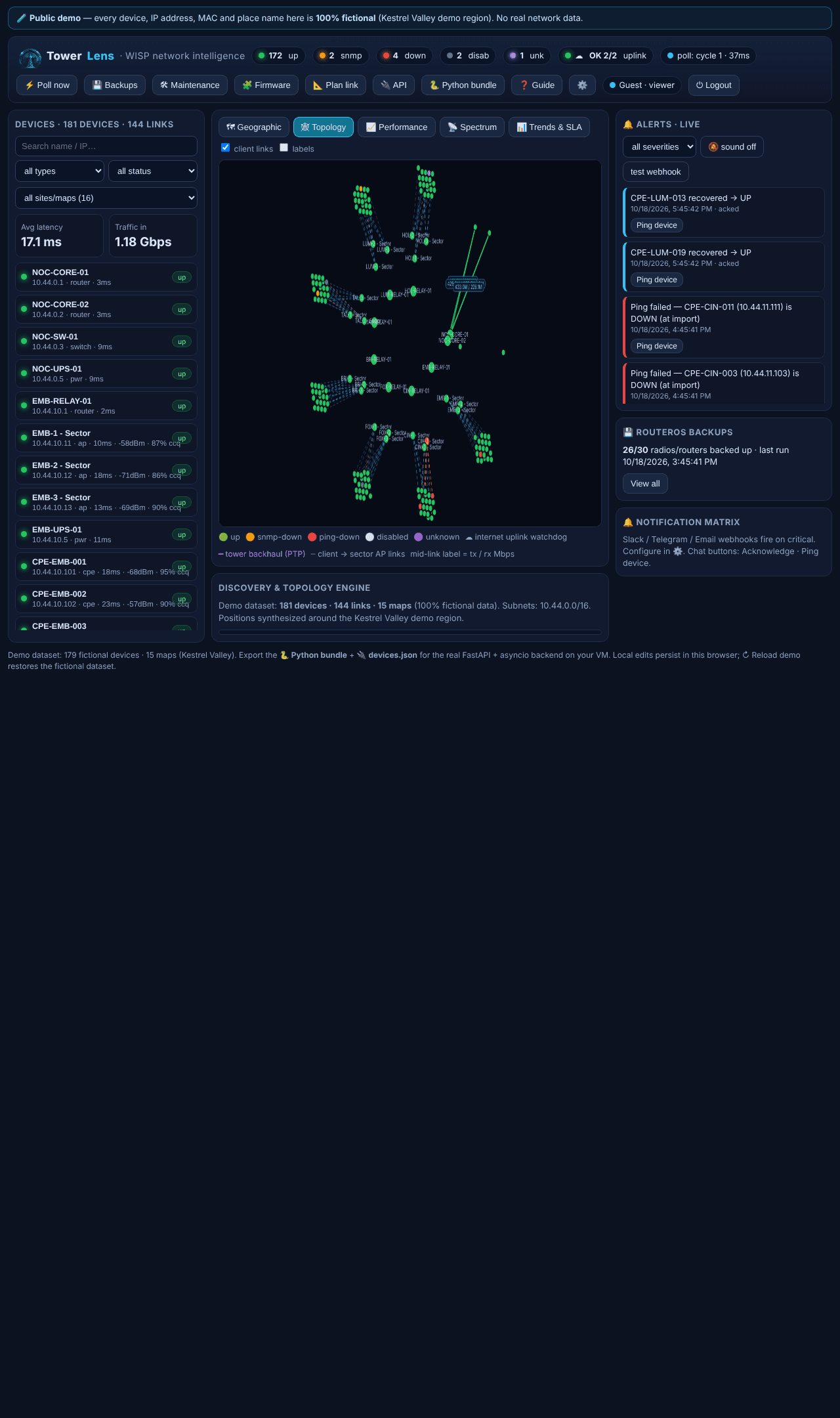
A map answers 'where'; topology answers 'how it's wired.' This tab builds a schematic site-ring layout automatically from your discovered devices and links.
What it shows
Every site renders as a ring of its own devices, with backhaul links drawn between site rings back to your core. Drag any node to untangle a crowded view; click any node for the same device drawer the map uses. No map tiles are involved, so it renders instantly and works the same whether a site has real GPS coordinates yet or not.
When to use it over the map
Topology is the faster read when you're reasoning about redundancy and failure domains — which sites share a backhaul path, what a single link loss actually takes down — rather than physical location. It's also the view that keeps working if map tiles are slow to load.
Where it fits
Pair it with line-of-sight planning when you're adding a new backhaul hop, or the Geographic tab when you need real coordinates for a truck roll.