
Device drawer
Per-AP Client Roster & Roaming History
Device-level monitoring tells you the AP is up. This pushes visibility down one layer, to which of the 40 CPEs on that AP are actually struggling.
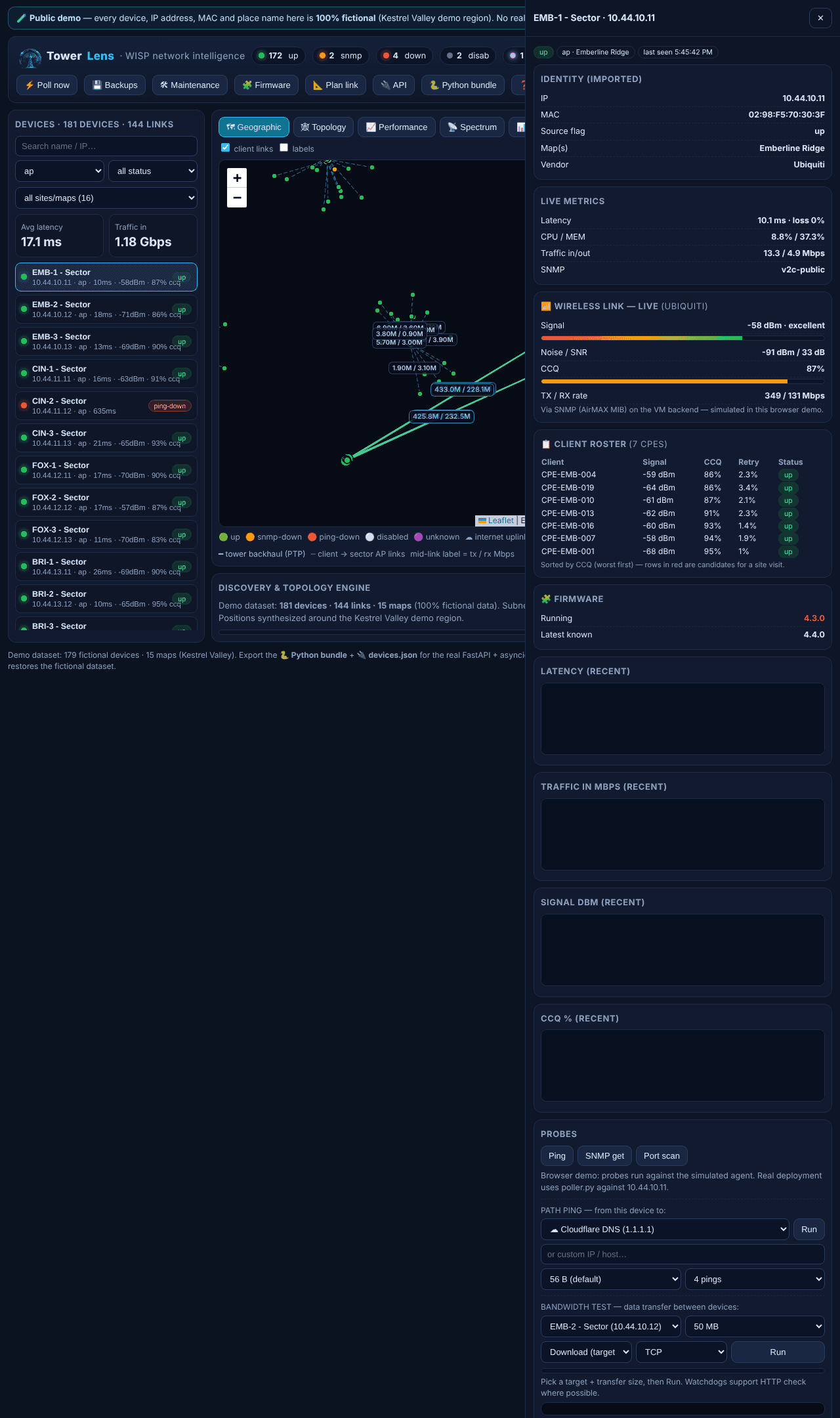
The client roster
Open any sector AP's drawer and its full client roster appears — every CPE it serves, with live signal dBm, CCQ percentage and retry/error rate, sorted worst-CCQ-first. One table answers “which of my clients on this AP are actually having a bad time” instead of forcing you to check each one individually.
Roaming & reconnect history
Open a CPE's own drawer instead, and you get its roaming/reconnect event log — every time that client dropped and came back, timestamped. This is the single most useful piece of data for the “it drops every afternoon” class of complaint, because the timing pattern usually tells you the cause before you even leave the office.
Also in the drawer
Live signal dBm with a quality label, noise floor and SNR, CCQ with a colour bar, TX/RX rates, and history charts per link — the full wireless picture for that one device, alongside identity, probes and its generated RouterOS export.
Where it fits
Cross-reference against Spectrum scanning when the pattern looks time-of-day — that's usually interference, not a failing client.